Visual canvas editor
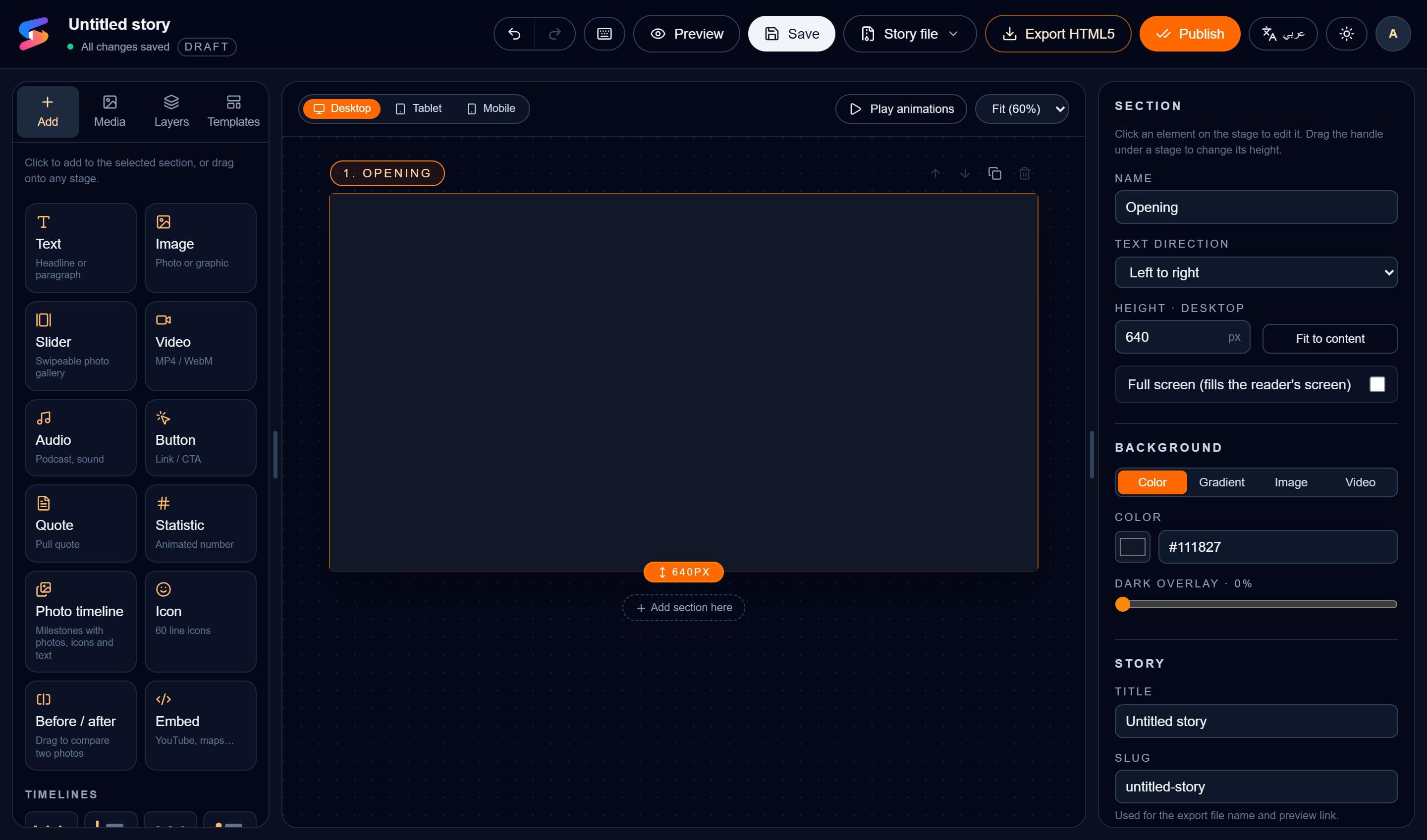
Drag, resize and snap text, images, video, audio, quotes, statistics, timelines, shapes and embeds. Edit text in place, with undo, redo and keyboard shortcuts.
StoryFlowBuilder is a visual editor for scroll-driven stories. Design on a canvas, add sticky backgrounds, timelines and animations, preview every screen size, and export a ready-to-publish HTML5 package — no code required.
Features
The techniques used by the best digital newsrooms, turned into simple switches and panels.
Drag, resize and snap text, images, video, audio, quotes, statistics, timelines, shapes and embeds. Edit text in place, with undo, redo and keyboard shortcuts.
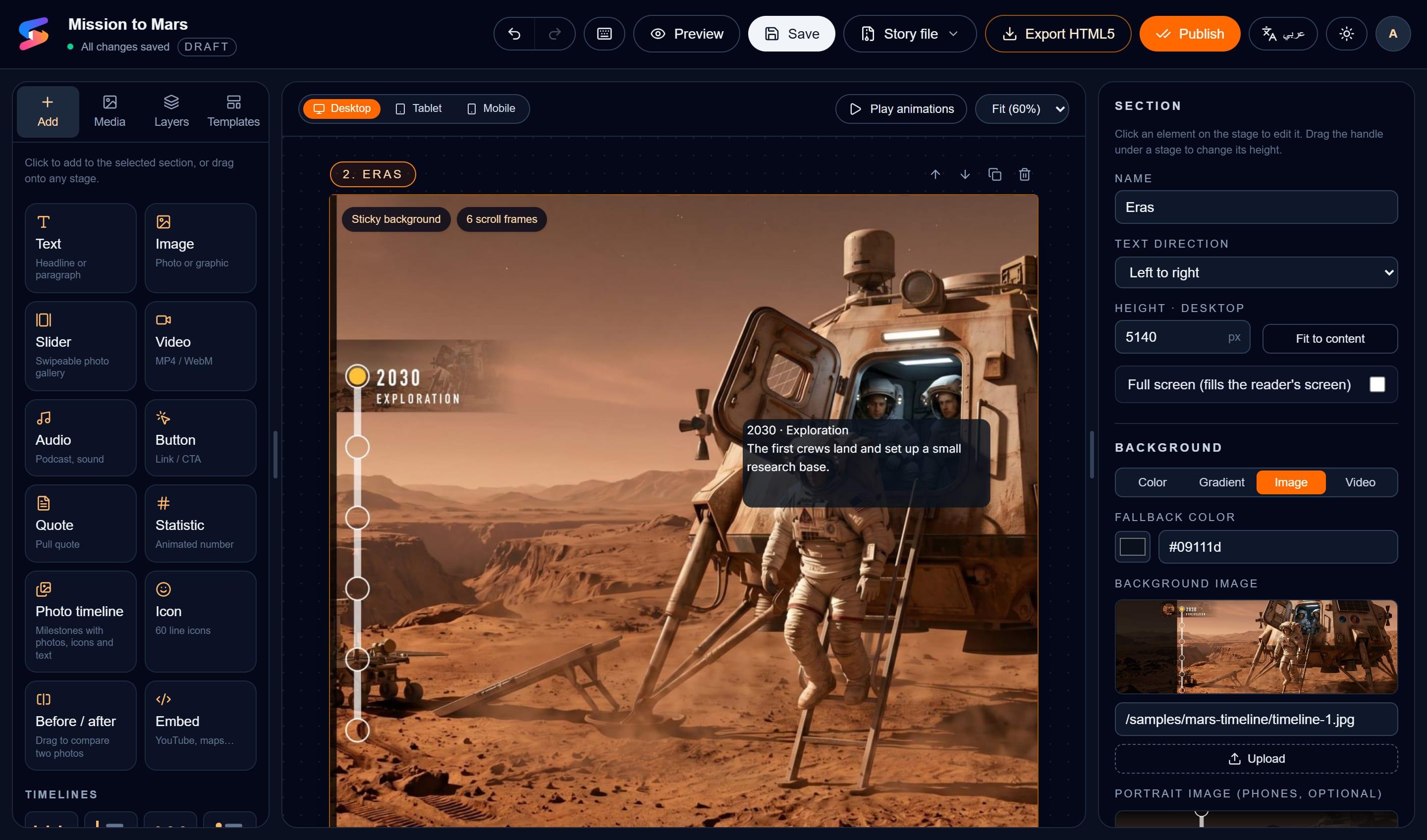
Pin a background image or video while text cards scroll over it — the classic long-form storytelling effect, set with one switch.
Crossfade a sequence of images as readers scroll, and tie each image to its own text card so every step of a timeline shows the right picture.
Set the search title, description, author and social image for each story. Exports include a canonical link, Open Graph and Twitter tags, article structured data and proper H1–H3 headings.
Tablet and mobile layouts are generated from your desktop design and can be fine-tuned per device. Arabic and other RTL languages are fully supported.
Fade, slide, zoom, flip, blur and wipe entrances that play when scrolled into view, looping effects, and an optional link on any element.
Upload images, video and audio once and reuse them anywhere. Add portrait artwork so phones get images composed for tall screens.
Download a self-contained HTML5 package to publish anywhere, or export the editable source to continue on another computer.
How it works
Pick a ready-made storyline — news, explainer, investigation, profile, photo essay, guided tour and more — or begin with a blank stage.
Add your words and media, turn on sticky backgrounds, frames or a camera path, and choose animations. Preview desktop, tablet and mobile as you go.
Export a single HTML5 package for your website or CMS, or keep the editable source to update the story later.
Who it's for
Whether you publish investigations, reports or lessons, StoryFlowBuilder helps readers follow along — and stay until the end.
FAQ
StoryFlowBuilder is a browser-based, no-code editor for interactive stories. You arrange text, images, video and animations on a visual canvas, add scroll effects such as sticky backgrounds and timelines, and export the result as a self-contained HTML5 package.
An interactive story is a web story where the reader’s scrolling drives what happens on screen — images change, maps zoom, timelines advance and media plays as the narrative unfolds, instead of a static page of text and pictures.
No. Everything — layout, backgrounds, animations, timelines and export — is done visually in the editor.
Anywhere that serves web pages. StoryFlowBuilder exports a self-contained HTML5 package (index.html, script and media) that you can upload to your website, CMS or any static hosting.
Yes. Tablet and mobile layouts are created automatically from your desktop design, and you can adjust any element per device. You can also add portrait versions of background images for phones.
Yes. Each section can be set to right-to-left, and the editor includes Arabic fonts such as Cairo and Tajawal.
Yes. Use “Export source” to download the editable story with its uploaded media, then “Import story” to continue anywhere.
Yes. Select one or several elements and drag them onto another section, or use “Move to section” in the side panel.
Create an account and open the editor — your first story is a few clicks away.